Percentile Analysis – Qlik Sense

Last week I was tasked with developing a dashboard to show how well an employee was performing over time relative to their peers across many metrics. Bringing all of these concepts into a single chart took several iterations but I believe the result could be applicable to many people. In the sample screenshot, we can evaluate Employee D’s performance each quarter relative to several peer benchmarks.In Q2 and Q3, D performed below the worst peer group, but in Q4 they improved. This is based on random data, but this type of analysis is highly valuable for managers to understand and coach employees appropriately.

After many months of building in Qlik, I was able to incorporate several of the complexities available in Qlik to create this chart. It uses the Aggr function to separate the data into appropriate sub-sets to be processed. Set analysis allows for evaluation of the entire set of employees for the percentile (fractile) calculation.

Development hit one road block where I was attempting to incorporate the time dimension. This was solved by including the exact type of time (month, quarter, or year) into the Aggr function.

Here is the recipe:

Variable to create many percentiles:

eFractile = Fractile({<Employee={*}>} Aggr(Sum({<Employee={*}>} Sales), Employee, Quarter),$1)

Chart – Combo Chart

Dimension: Quarter

Measure 1 [Bar Type]: Sum(Sales)

Measure 2-n [Line Type]: $(eFractile(0.25))

https://charts.qlikcloud.com/5839fa596000fbff00d4d1ce/chart.html

Intentional Data Analysis: “Know before you go”

Lean Analytics – Ken Norton (Google Ventures)

Watch this video. It is a fundamental staple from my self-guided education over the past year. After learning from Ken’s excellent presentation, I was able to think about how to properly design my data analysis so that every metric that I collected, analyzed, and visualized would have some actionable piece of information realized. The beautiful business term of INSIGHT!

A personal example I made Excel macros at work as a majority of my work function involved formatting and thus was ripe for automation. I packaged these macros into an add-in that allowed the rest of my team to easily load the macros into their instance of Excel and click buttons. After watching “Lean Analytics”, I made a call that recorded the main metrics I was interested in: the computer name of whoever was using the add-in and what macro they were running. By collecting this information I was able to tell my boss that I was saving cumulative about a third of a team member’s time. I can also see which macros have had the most effect. By recording this information I have been able to focus my attention on where I can have the most impact.

The ability to gain these insights is limited by creativity during both analysis AND planning. To make life easier, think about creating your databases, tables, and other data structures with the intent that you are going to query for specific, actionable information. The more time you spend properly designing your data storage will pay off exponentially during the rest of the business’ life. If you don’t know about data storage best practices, you should google them.

Photo Source: Simran Jindal

Data Dashboards, So Hot Right Now!

TDomooday I saw a company that was so beautiful I almost cried. Domo has come out of the shadows to unveil a $2B business with a product suite both complete and comprehensive. Check out the videos, testimonials, and examples on their website (www.domo.com).

What I truly love about this company, as well as others in the data analytics industry, is that they are taking some of the most complex problems and boiling them down so that anyone can harness the power behind data. Taking Domo as an example, they are able to give insights in areas that people did not realize were possible. For SAB Miller they were able to aggregate all of the brands and show the C-suite executives exactly what the whole company was experiencing. The ease of setting up graphs and charts to show a company goes along with my belief in the power of infographics. If everyone could be given the power to create a story using data, the world will become a better place much faster.

Another great company that I was exposed to recently is Quid. This company aggregates, filters, and assembles giant webs showing all of the links between different publications. My friend who is a patent analyst uses it to see every single patent for a company and map out the exact positioning of the portfolio. Reading 7000 patents for a company would be impossible, but Quid allows you to do it almost instantaneous while producing a visualized model to easily understand all the information. The platform also works with news aggregation. It’s beautiful.

Looking at the way that each of these companies builds data products is inspirational. Taking their ideas and thinking about how to use them in analogous ways could lead to equally if not more extraordinary products. See my post about innovative thinking: ideation for how to use these companies as a valuable resource.

Some other great companies:

Palantir

Tableau

Photo Source: Domonation

Building Data Products

Three Simple Rules for laptop-analyticsBuilding Data Products that People Will Actually Use – Tim Trefren (highscalability.com)

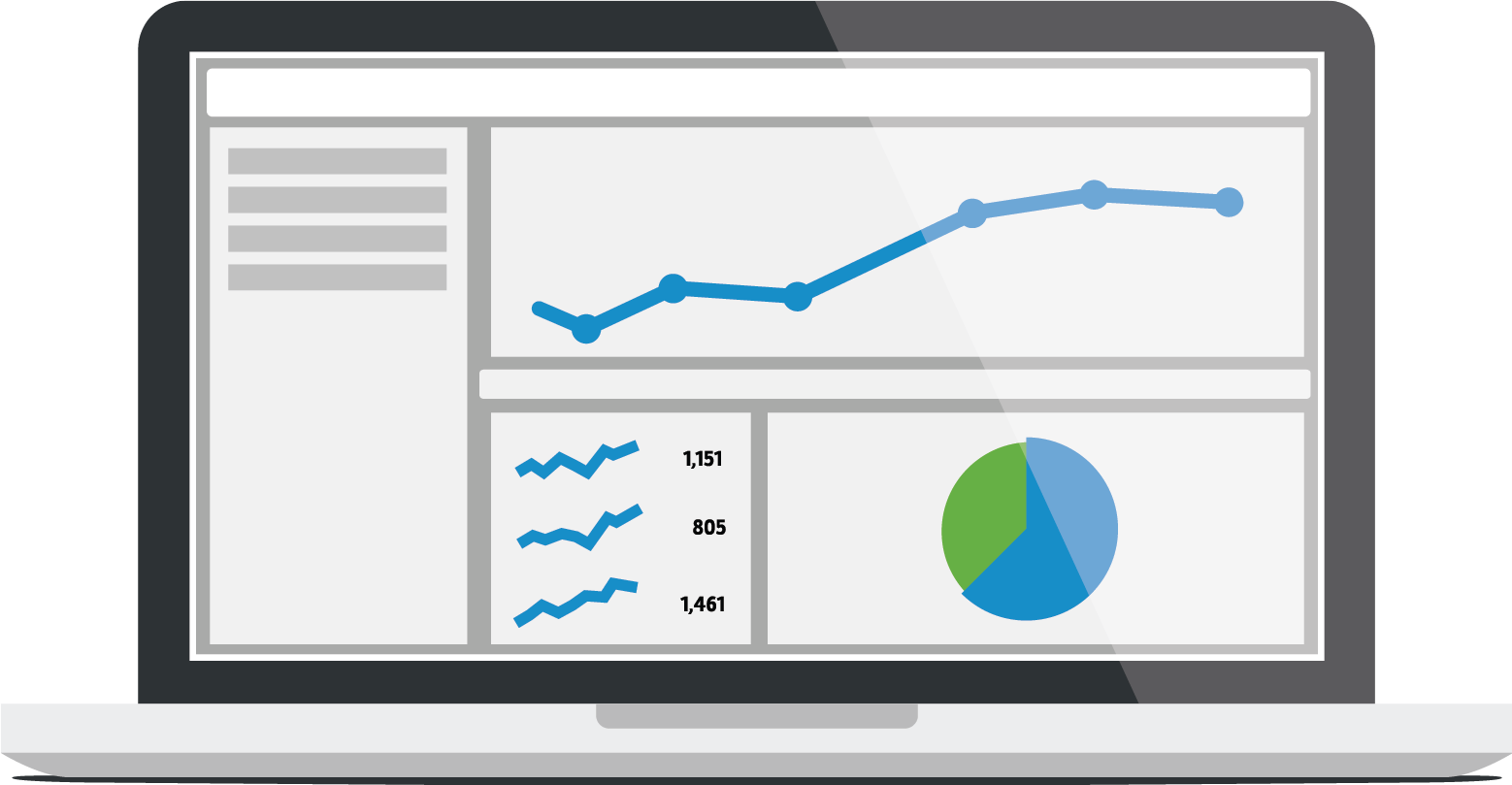
Expanding beyond Tim’s great article, with a little of my own life experience: one of the main functions of my job is to communicate stories through data. Learning this new form of communication has been a challenge as I am naturally inclined to want to delve into the complicated data. Having to work with many professionals who would rather eat dirt than do math has shown me that you have to build the story using simple graphics and meaningful numbers. The key here is to keep things simple which much harder than it looks. As Mark Twain says “I didn’t have time to write a short letter, so I wrote a long one instead.” To have truly revolutionary products, the data has to be presented simply.

Many companies now have begun to offer data analysis as their flagship product or main feature. Applications such as Salesforce and Tableau aggregate data and produce output that is both sophisticated in structure and simple to understand. These are used by people who couldn’t tell you what a query or a database was. Keep it simple, make it pretty.